Codex → DeepSeek / Kimi.
Rust proxy for the OpenAI Responses API. One process, multiple providers. Keys never touch crabbridge.toml.
curl -sSL https://raw.githubusercontent.com/rust-infra/crab-bridge-rs/main/scripts/install-macos.sh | bash Accepts Codex Responses requests, translates to upstream Chat Completions — including streaming SSE.
One process hosts DeepSeek and Kimi. Pick by path: /deepseek/v1 or /kimi/v1.
API keys arrive as Bearer tokens from Codex env_key. Never stored in crabbridge.toml.
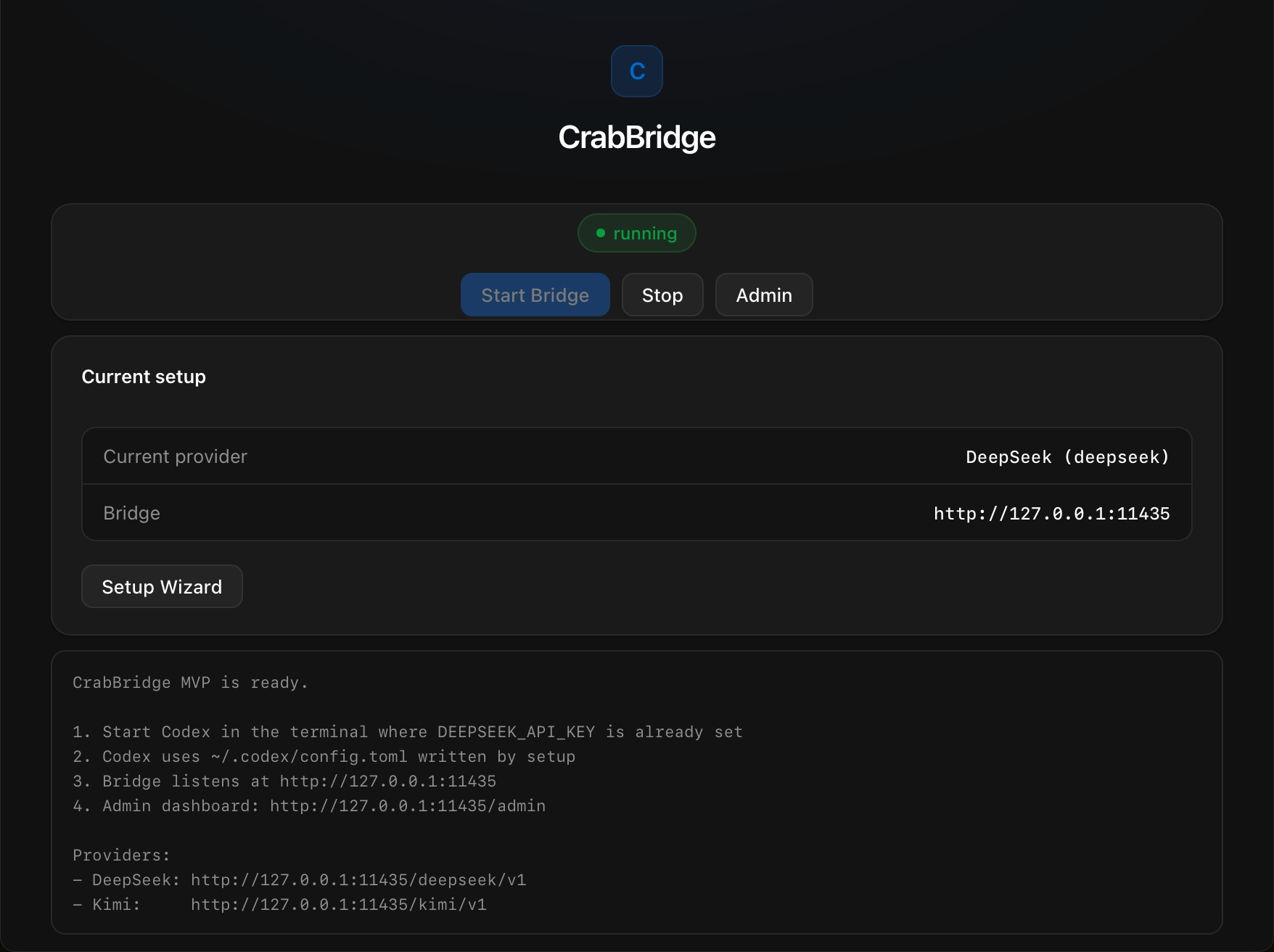
Tray app auto-starts the bridge; Setup Wizard wires ~/.codex/config.toml in one click.
Features
Codex-native wire
wire_api = "responses". Point Codex at the bridge — no Chat Completions shim on the client side.
Streaming SSE
Upstream streams stay streamed. Low-friction agent loops, not buffered blobs.
SQLite sessions
Multi-turn state persists locally so bridge restarts don't wipe context.
Path-based providers
Switch models by changing model_provider — same host, different /{provider}/v1 base URL.
Health & metrics
/health, /admin dashboard, and Prometheus /metrics for a peek under the shell.
Quick Start
Install
Install the crabridge binary (macOS / Linux / Windows scripts upstream).
curl -sSL https://raw.githubusercontent.com/rust-infra/crab-bridge-rs/main/scripts/install-macos.sh | bash powershell -ExecutionPolicy Bypass -c "irm https://raw.githubusercontent.com/rust-infra/crab-bridge-rs/main/scripts/install-windows.ps1 | iex" Configure Codex
Export your API keys, then point Codex at the bridge (or use the desktop Setup Wizard).
model_provider = "crabbridge-deepseek"
model = "deepseek-v4-pro"

[model_providers.crabbridge-deepseek]
name = "crabbridge-deepseek"
base_url = "http://127.0.0.1:11435/deepseek/v1"
wire_api = "responses"
env_key = "DEEPSEEK_API_KEY"

[model_providers.crabbridge-kimi]
name = "crabbridge-kimi"
base_url = "http://127.0.0.1:11435/kimi/v1"
wire_api = "responses"
env_key = "KIMI_API_KEY"Serve
Start the bridge. Default listen: 127.0.0.1:11435.
export DEEPSEEK_API_KEY=sk-... crabridge serve Desktop app
Start / stop the bridge, open Admin, and run Setup Wizard — keys stay in your environment or keychain.